◂◂ LOOK INSIDE · NAPLAN TRAINER
Before you pay for it, here is what your child actually gets. Every picture on this page is a real screen from the NAPLAN Trainer, taken with a made-up Year 5 student called Ella — nothing mocked up, nothing drawn for the brochure.
01A question, the way they see it
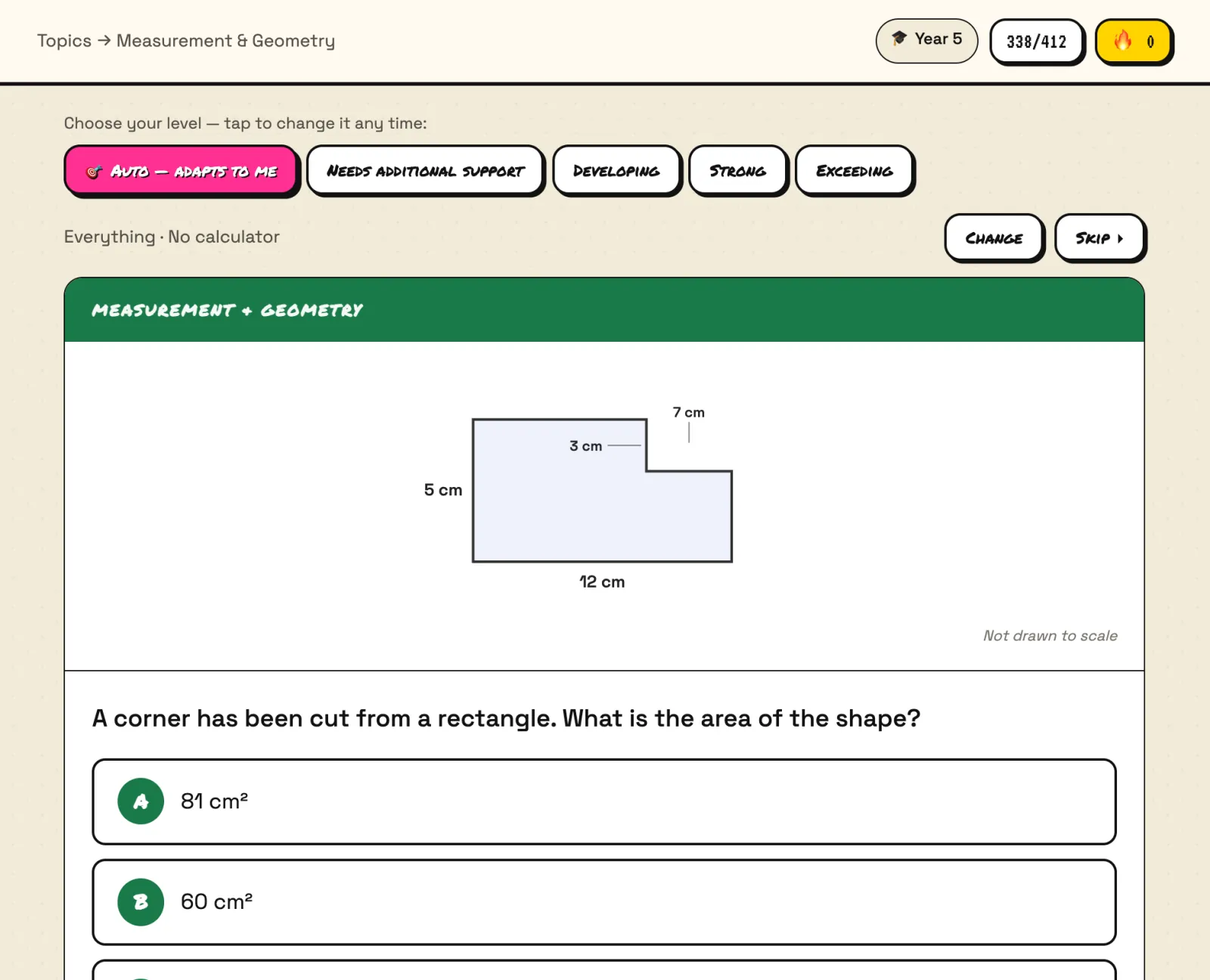
Every numeracy topic opens on a question, not a menu. Your child picks a level from the row of chips — the same four names NAPLAN reports use — or leaves it on Auto, and the trainer moves them up as they get things right and back down when something is not landing yet.
Questions come in the formats of the online test: multiple choice, typing in an answer, choosing every correct option, and matching. Diagrams are drawn to the question, and they are marked “not drawn to scale” when the real test would say so.
02Get it wrong, get the working
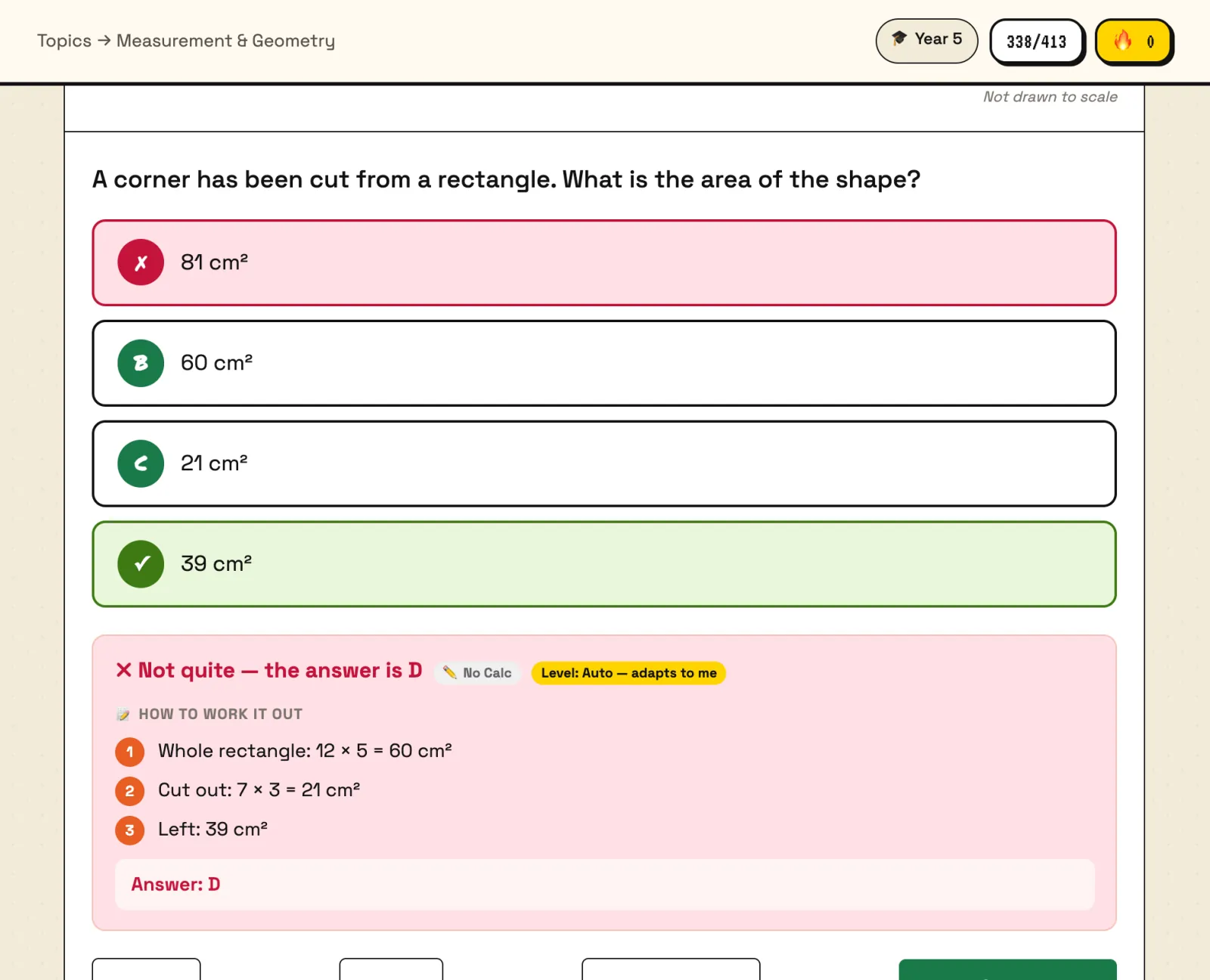
This is the part we care about most. Every question has a worked solution, set out step by step, and it appears the moment they answer — right or wrong. A child who got it wrong sees exactly where the method went; a child who guessed right sees why it was right.
If they are stuck before answering, there is a hint. If a question looks wrong to them, the flag button sends it to us to check.
03Lessons and skills drills
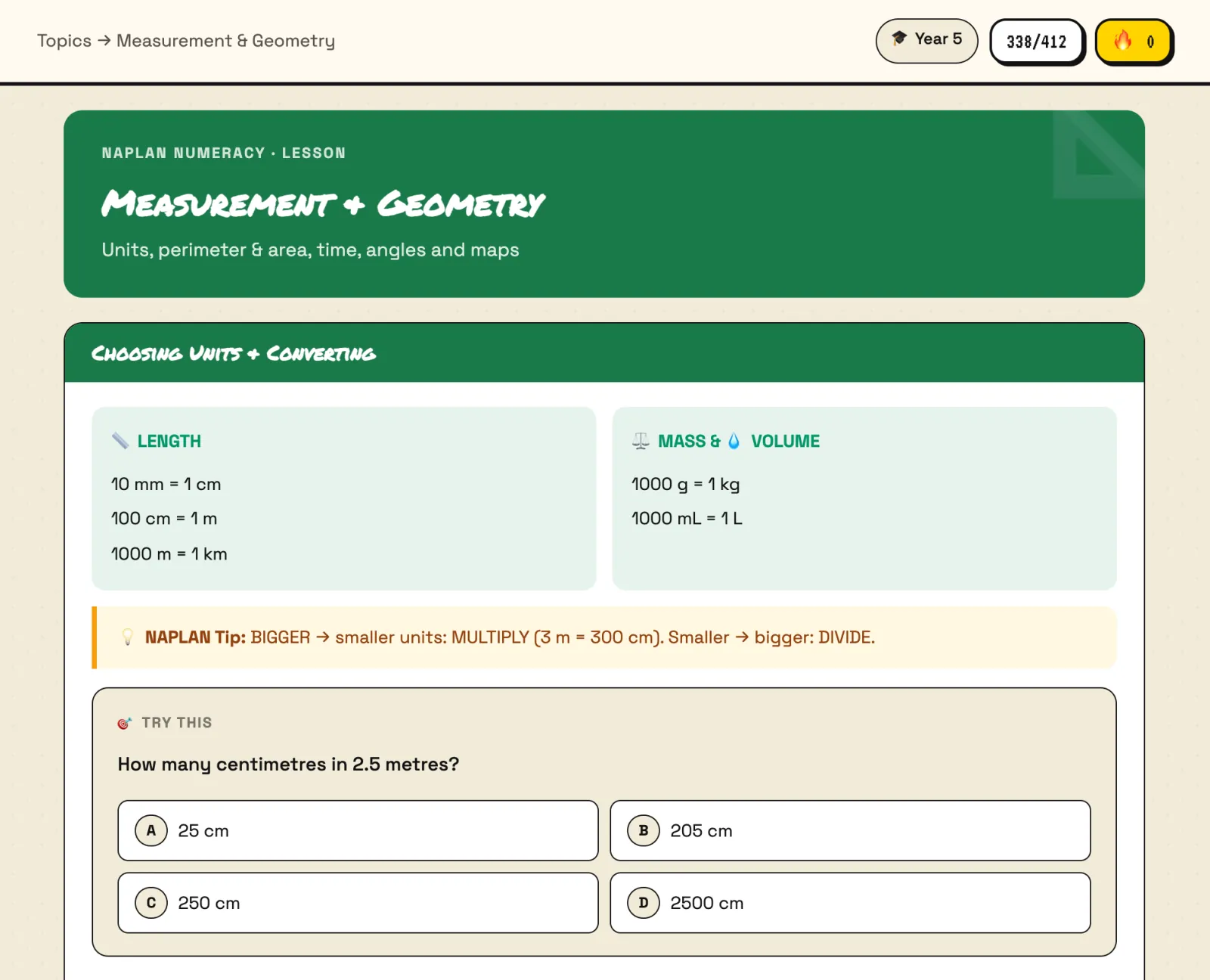
Each numeracy topic — Number & Algebra, Measurement & Geometry, Statistics & Probability, and Time — has four tabs: a lesson that teaches the idea with examples and a try-this question, interactive tools to play with, skills drills, and practice.
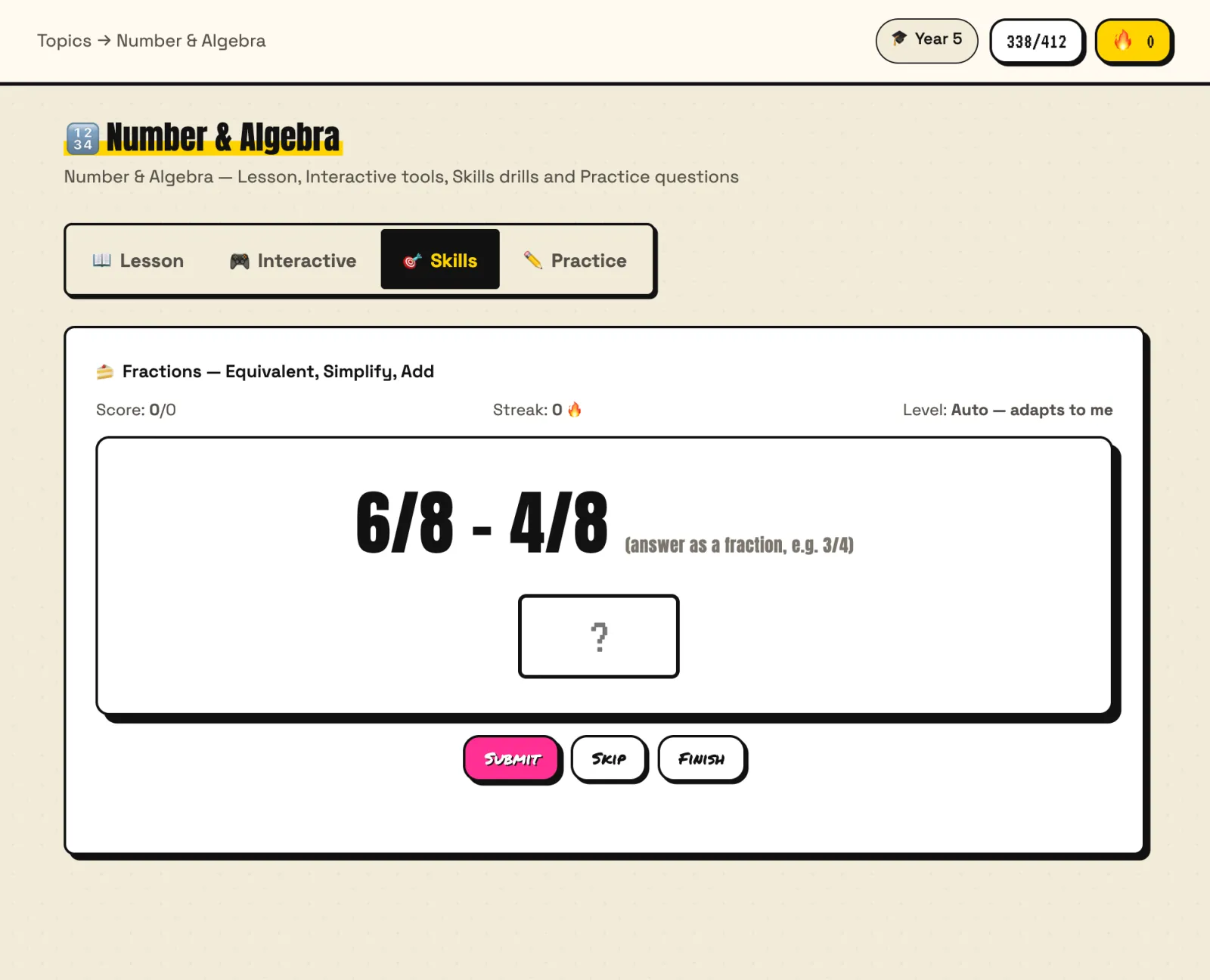
The drills are the raw skills underneath the worded questions — no multiple choice to guess from, just the sum and a box to type the answer in. They follow the same level chips as practice.
04Reading
Reading practice gives a fresh passage every time, in the text types NAPLAN uses at their year, pitched at their level, with eight questions to answer while the text stays on screen beside them. Each question has a hint, and each answer comes with the reason it is right.
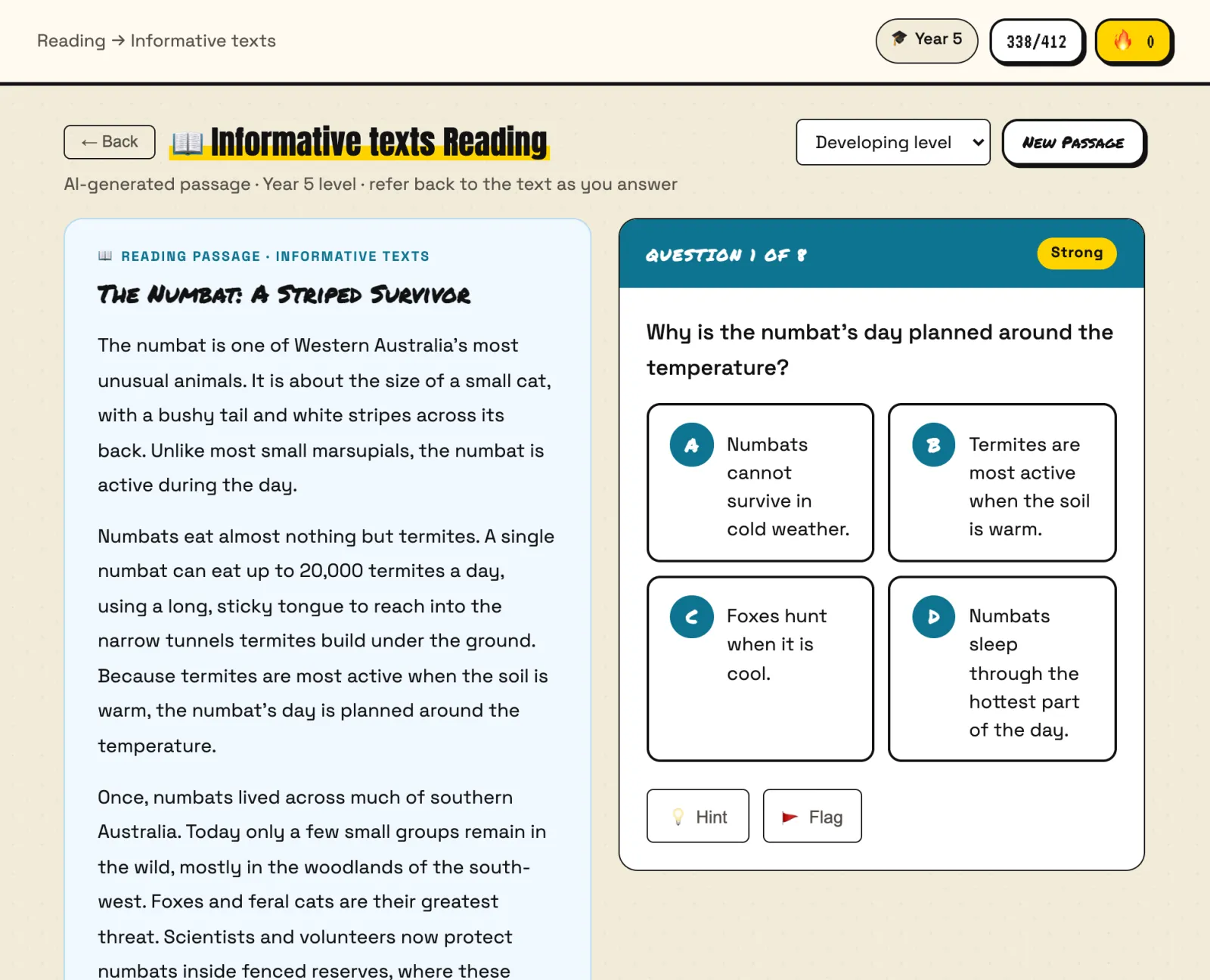
Language conventions has its own section: spelling (typed, the way the online test does it, and a spelling bee that reads the word aloud), grammar and punctuation.
05Writing, marked against the NAPLAN criteria
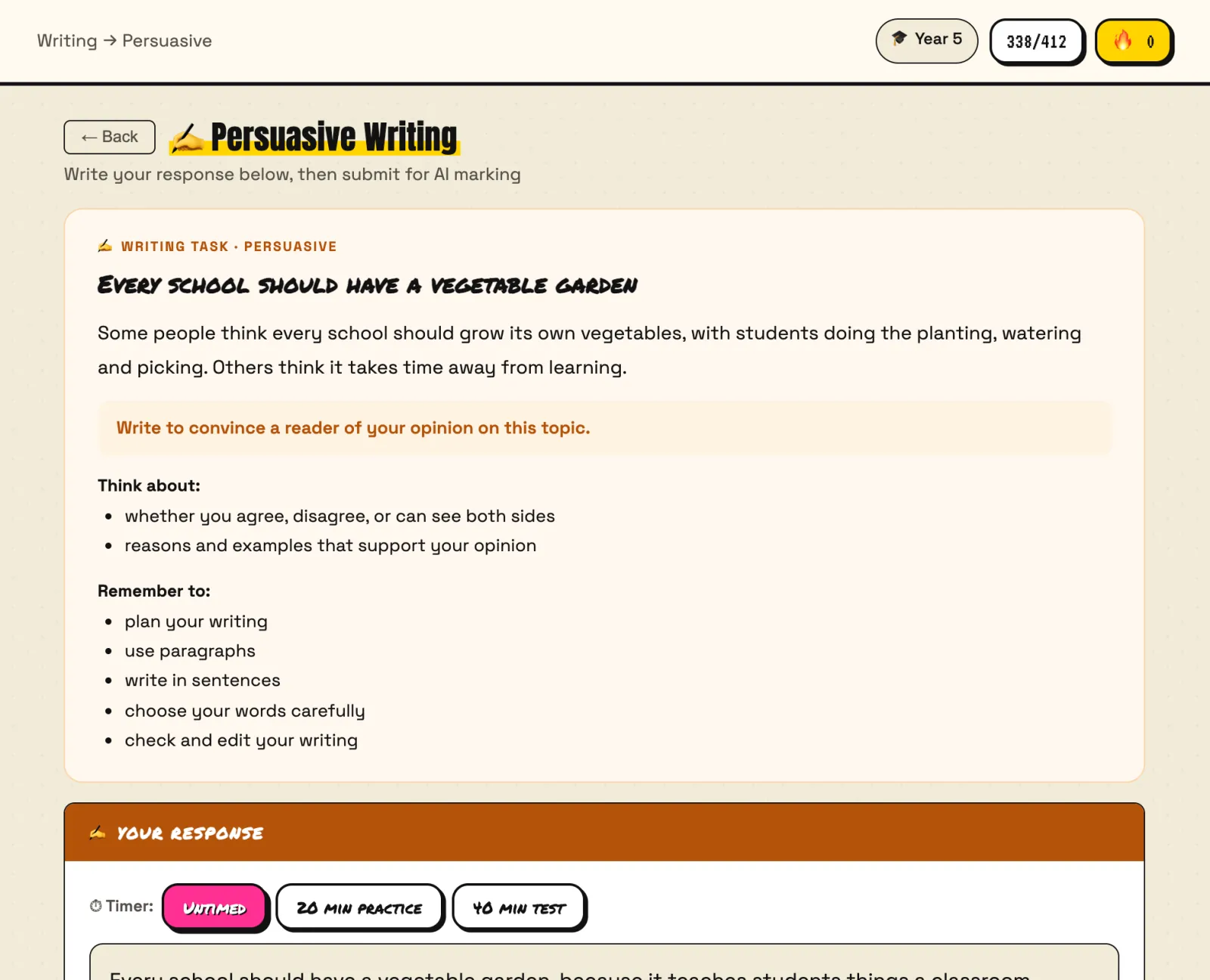
Narrative and persuasive tasks set out like the real prompt, with the “think about” and “remember to” lists. Your child writes untimed, or against a 20-minute or 40-minute clock, and submits it. On test day Year 3 writes by hand on paper and Years 5, 7 and 9 type, so every prompt has a print button with lined pages for a Year 3 to write against the 40-minute clock.
The piece comes back marked against the NAPLAN writing criteria — audience and purpose, structure and ideas, vocabulary, cohesion, and spelling, punctuation and grammar — with a level, a line on each criterion and what to fix next time. There are short Quick Write tasks too, for a ten-minute warm-up.
Writing is marked by AI. It is good practice feedback and it is quick, but it can be wrong, and it is never a NAPLAN result. The pieces are sent to the United States to be marked — Privacy §9 has the detail.
06Full-length practice tests
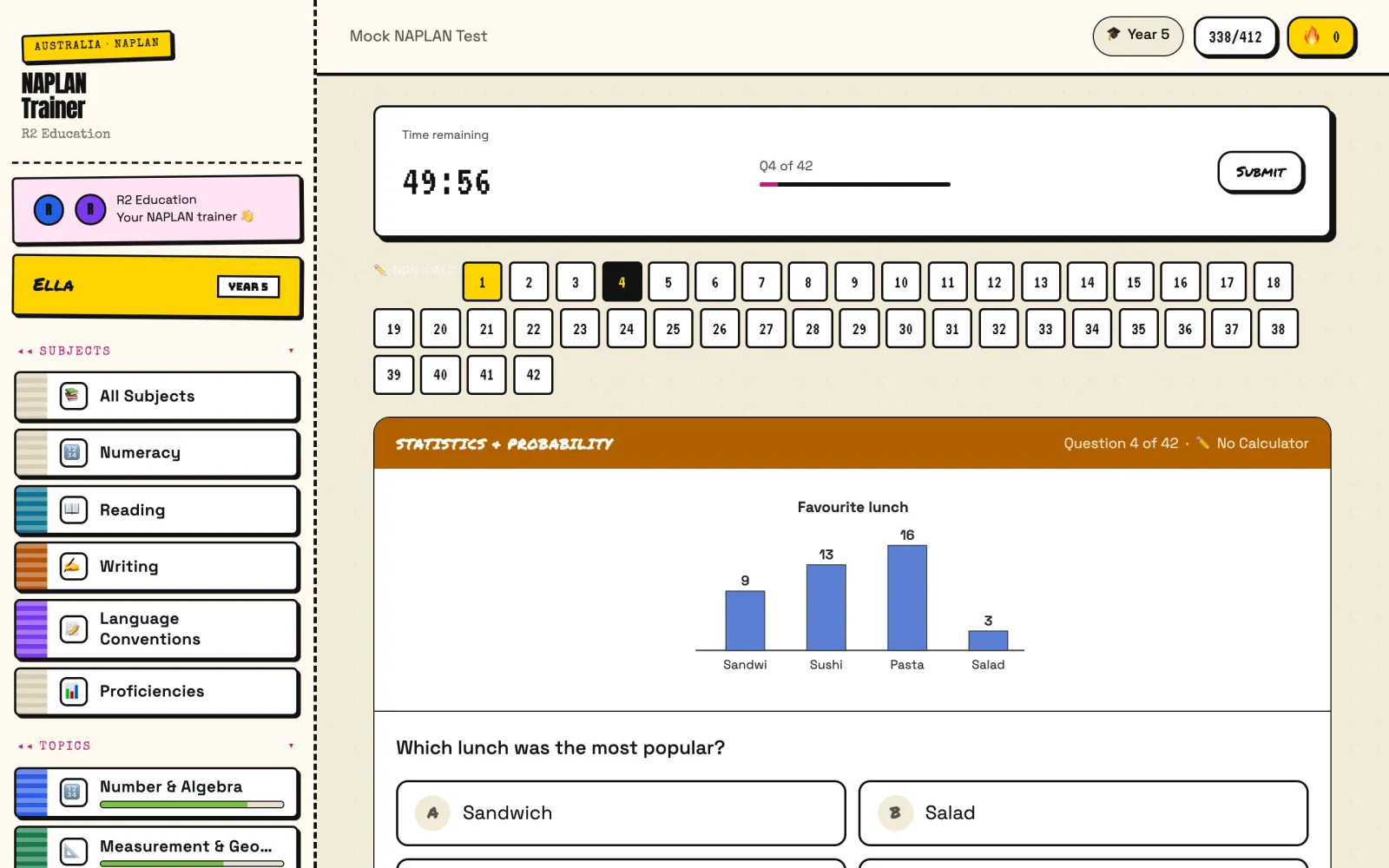
When they are ready, a practice test at the real length for their year: 36 questions for Year 3, 42 for Year 5, and 48 for Years 7 and 9, the older two with a no-calculator section first. A clock, a question grid to jump around, and an on-screen calculator where the test allows one. Shorter mini tests of 10 to 30 minutes are there for a school night.
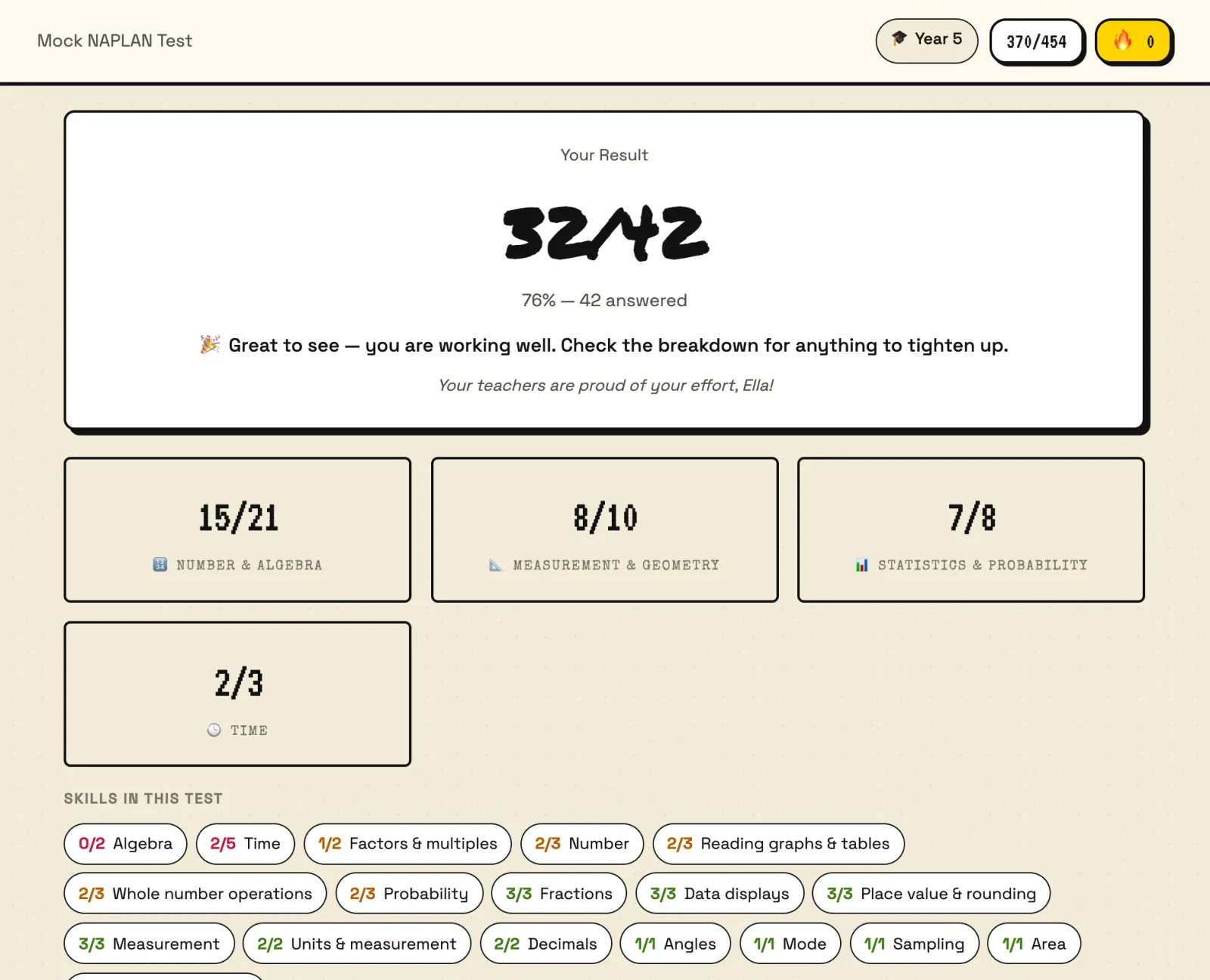
At the end: the score, a breakdown by strand, every skill the test touched, and each question they got wrong to go back over with its working. Past tests stay in a list to review later.
07Your page, as the parent
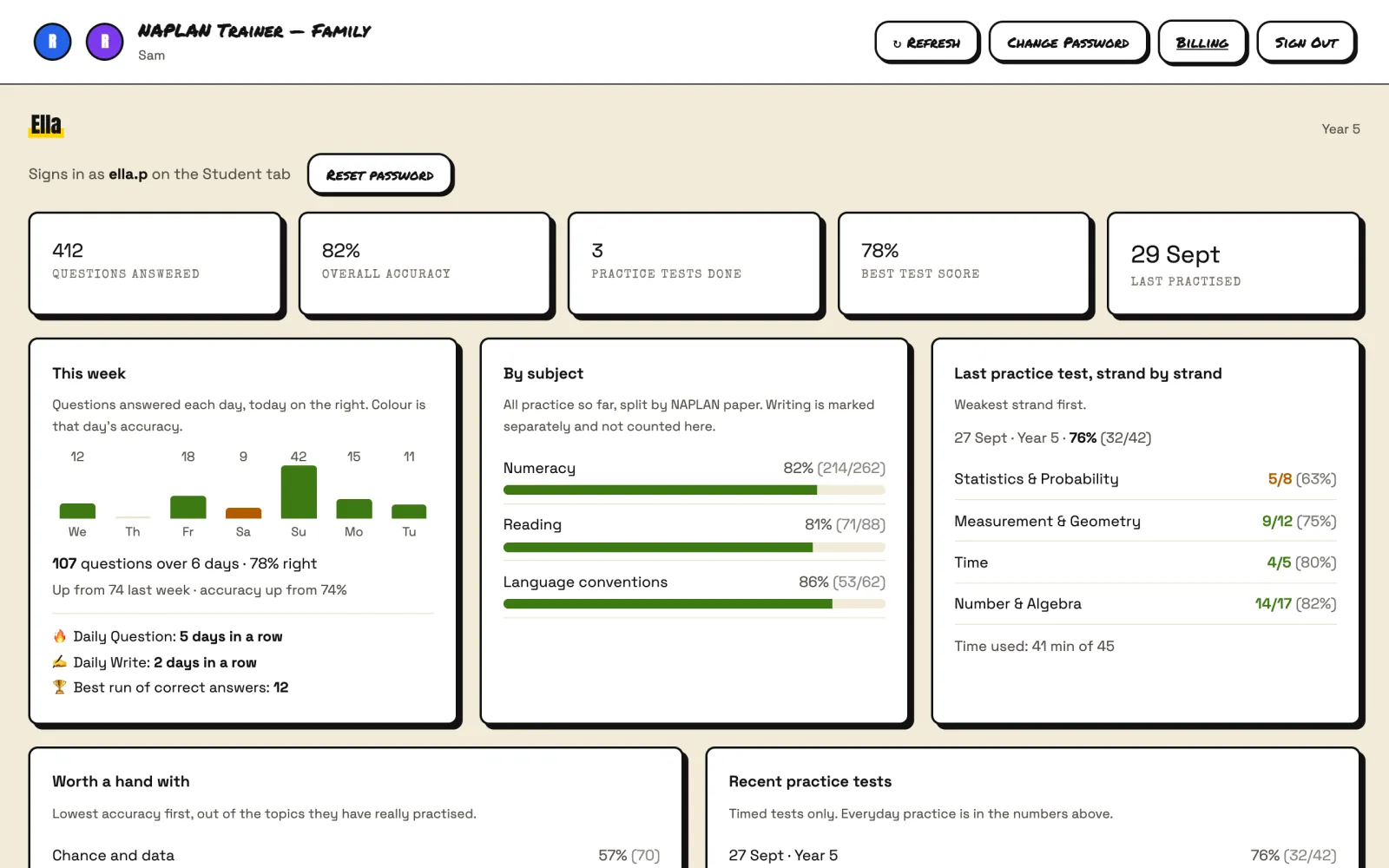
You get your own login, and it shows you what the practice is actually doing: how much they did this week and how it compares with last week, how they are going in each NAPLAN area, their last test strand by strand, and the topics worth sitting down to help with. When your child presses “I need help from my Parent/Guardian” on a question, it lands here with the answer and the working, so you can explain it.
You can also reset your child’s password and manage the subscription from here.
+Also inside
≡What is covered
One subscription opens every area below at the year level you choose at sign-up. Moving up a year? Email us and we switch it, free.
| AREA | WHAT IS IN IT |
|---|---|
| Numeracy | Number & Algebra, Measurement & Geometry, Statistics & Probability, and Time — each with a lesson, interactive tools, skills drills and practice at four levels or on Auto. |
| Reading | A new passage every time in the text types for the year, eight questions each, with hints and reasons. |
| Language conventions | Spelling (typed, plus an audio spelling bee), grammar and punctuation. |
| Writing | Narrative and persuasive tasks, marked against the NAPLAN criteria, plus short Quick Write tasks. |
| Practice tests | Full-length numeracy tests at each year’s real length, mini tests, and a review of every past test. |
| For you | A family page with the week’s practice, results by area and the topics to help with. |
The question bank, lessons and drills are written by practising WA numeracy teachers to the published NAPLAN content and test formats; reading passages and writing prompts are written fresh by AI, inside limits we set for each year level. Got a Year 9 who might also need OLNA? The price list explains which one comes first.
Try a month.
$15 A MONTH
Or $150 for the year. Extra children $10 a month each. Cancel yourself any time from your billing portal — no notice period, nobody to ring.
Real screens from the trainer as it stands today, taken on a laptop with a made-up student. The student, the family figures, the reading passage and the writing prompt are invented for this page; the practice questions, lesson, drill and test are straight from the trainer. It is practice, not the real test — no score here is a NAPLAN result or predicts one.